
Plugins & exports
Cityweft inside
the tools you use.
Plugins for Rhino and SketchUp, a native Revit export and twelve standard 3D formats, so site context lands in the tools your team already uses.







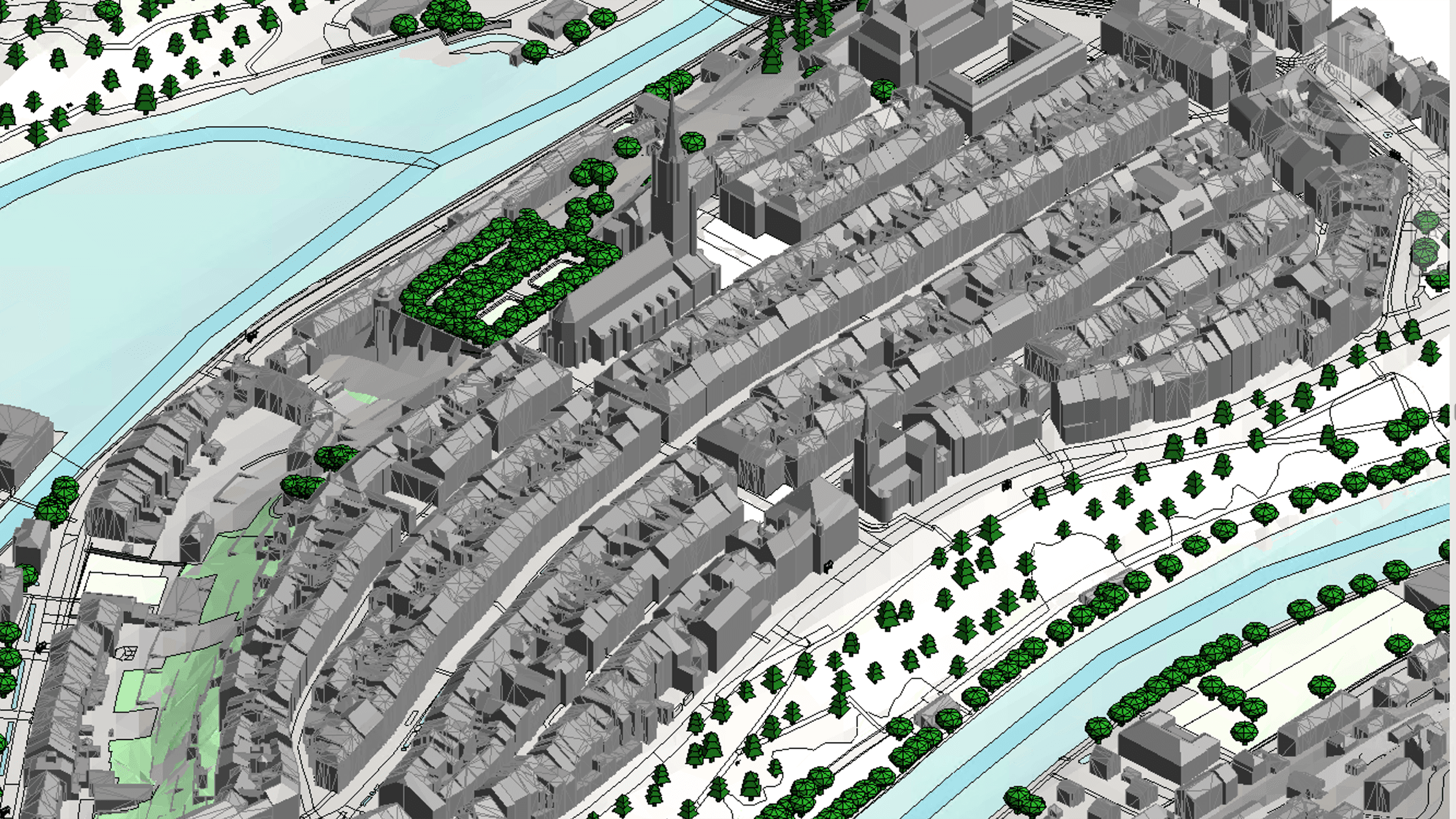
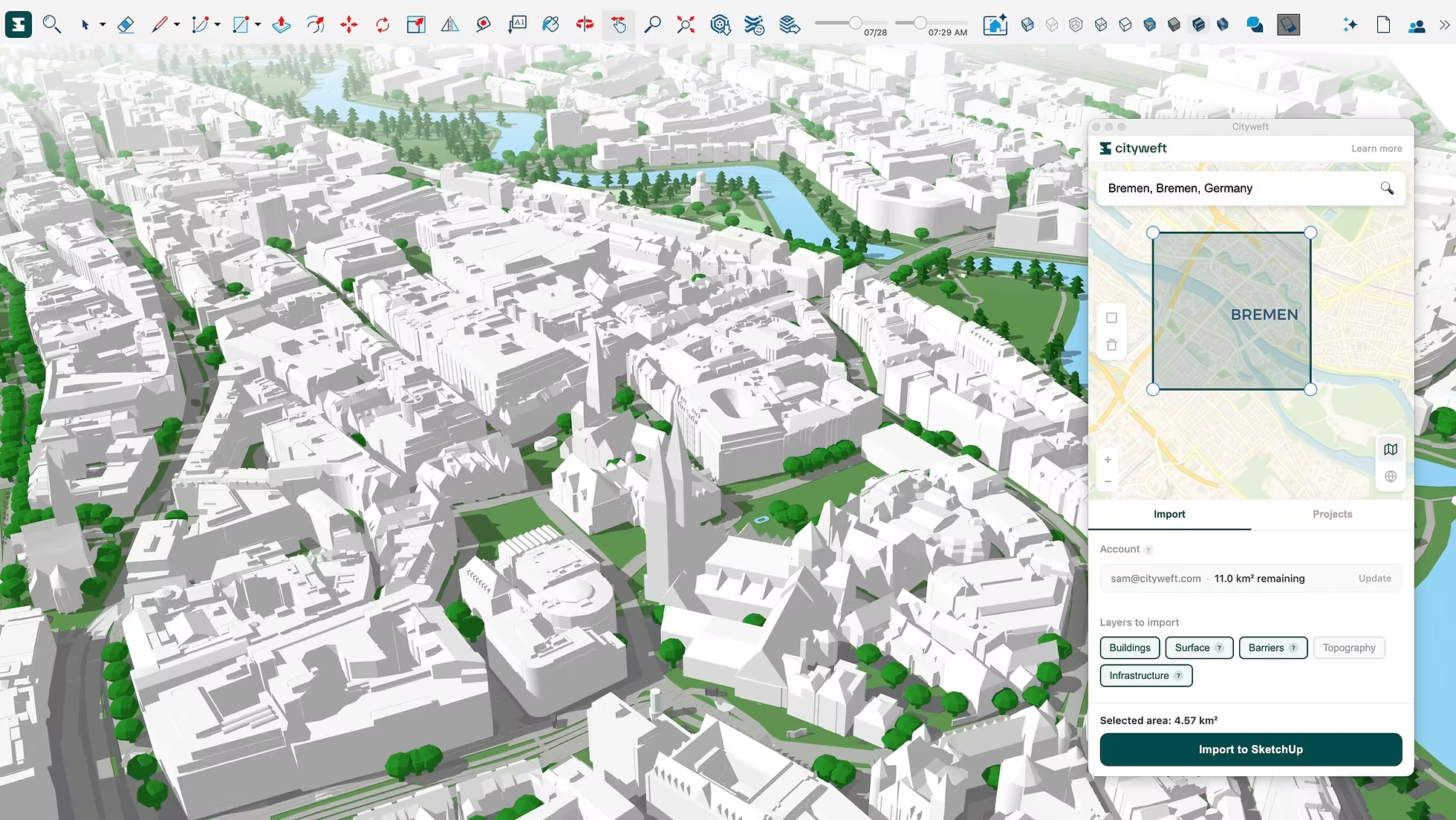
Plugins and native exports
Cityweft data straight inside Revit, Rhino and SketchUp.
Everything else in your stack
Through a plugin, a native export, or a file the tool already opens.
Design and BIM

Rhino
Plugin, 3DM

Grasshopper
Through the Rhino plugin

Revit
Native .rvt export, IFC

SketchUp
Plugin, SKP

AutoCAD
DXF

ArchiCAD
IFC, DXF

Vectorworks
IFC, DXF, SKP
Infrastructure and coordination

Civil 3D
DXF

InfraWorks
FBX, OBJ

Navisworks
IFC, FBX, DXF
GIS and mapping

QGIS
DXF

ArcGIS
GLB, OBJ, IFC
Visualization and real-time

Enscape
Inside Revit, Rhino or SketchUp

3ds Max
FBX, OBJ

Blender
GLB, FBX, OBJ

D5 Render
FBX, SKP, OBJ

Twinmotion
FBX, SKP, OBJ

Lumion
SKP, FBX, DAE

Unreal Engine
FBX, GLB

Unity
FBX, OBJ
Not listed? OBJ, FBX and GLB open in almost any 3D tool, and the API gives you the data directly.
Every export format
Pick one when you export from the web platform.
 3DMRhino modelRhino and Grasshopper
 SKPSketchUp modelSketchUp, D5 Render, Twinmotion, Lumion
- RVTRevit projectRevit 2025 and later, from the cloud export
 DXFCAD drawing exchangeAutoCAD, Civil 3D, Vectorworks, QGIS
 GLBBinary glTFBlender, Unreal Engine, ArcGIS, web viewers
 FBXAutodesk FBX3ds Max, Unreal Engine, Unity, Twinmotion
 IFCOpen BIM exchangeArchiCAD, Revit, Navisworks, Vectorworks
 OBJWavefront meshAlmost any 3D tool
 PLYPolygon meshMesh processing and analysis tools
 STLMesh for fabricationSlicers and 3D printing
 3MF3D Manufacturing FormatModern slicers and 3D printing
 DAECOLLADALumion and older 3D pipelines