08/09/25 Update: Real-World Shadows, Landmark Models, and New Pricing Bundle
At Cityweft, we’re constantly evolving to make working with 3D city models faster, smarter, and more useful in real-world design workflows. Our latest update brings a range of new features that help architects, planners, and designers get even more from their context models - whether you’re analyzing light conditions, showcasing iconic landmarks, or tailoring surfaces to fit your project.
Real-World Sun and Shadows
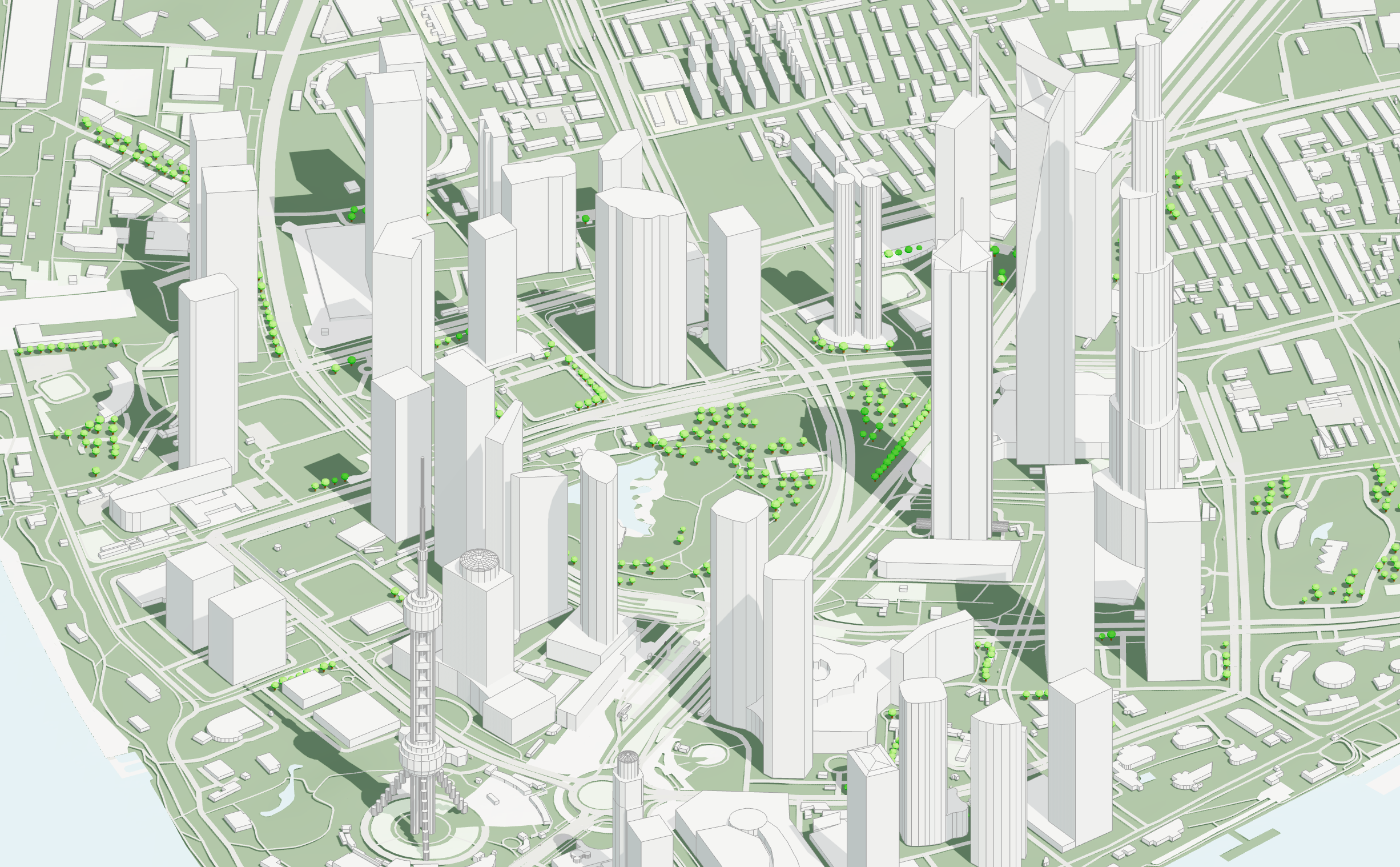
You can now set the day and time in Cityweft to simulate real-world sun positions and shadows directly in your model. This gives you an immediate sense of how your project will interact with natural light at any point in the year—perfect for early-stage design analysis, urban planning, and presentation-ready visuals.
Custom Landmark Models
We’re introducing a library of detailed custom models of global landmarks, from the Eiffel Tower to La Sagrada Família, seamlessly integrated into your context models.
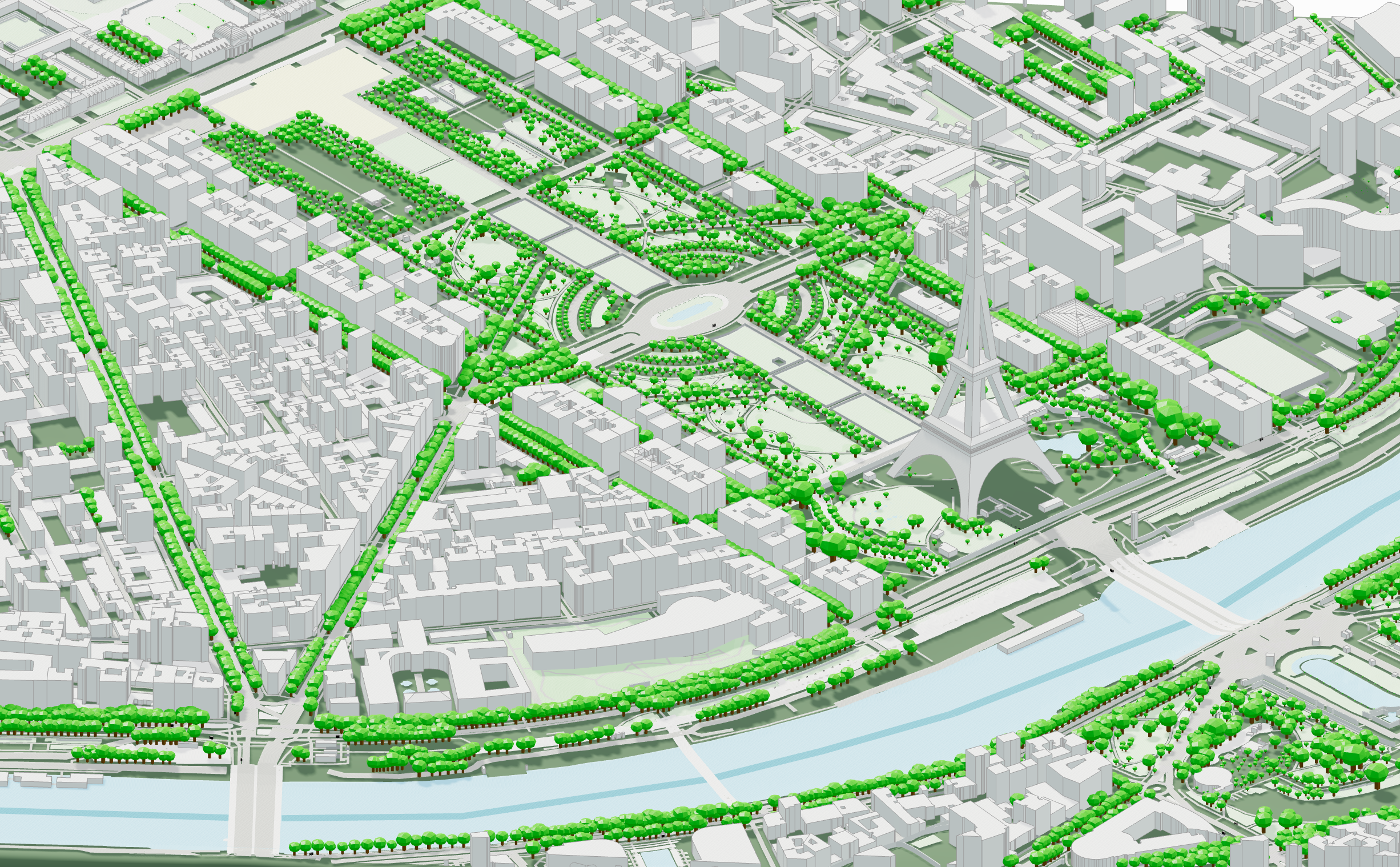
➡️ Do you have a landmark or building that’s critical to your work? Let us know - we’re taking requests for unique, high-value buildings to add to our growing collection.
New Flexible Bundle Option
We received many requests from users for a more expansive non-subscription option for accessing cityweft data. That’s why we’re introducing a new bundle package:
5 km² for €60
No time limits - use it whenever you need
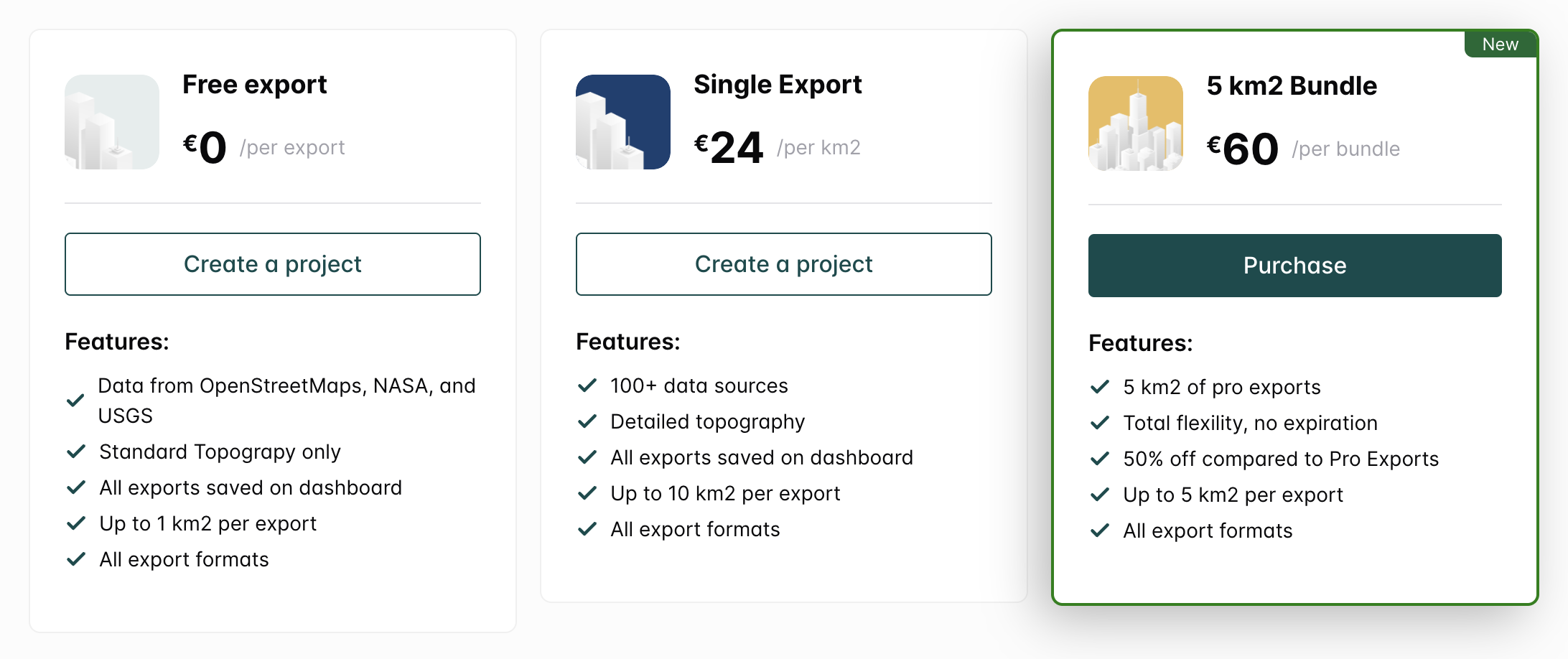
This makes it easier to access Cityweft for specific projects without the pressure of a subscription. If this style of pricing is welcomed, we’ll be expanding the bundle options in the future!
See our full pricing options by going to cityweft.com/pricing.
Improved Model Slicing
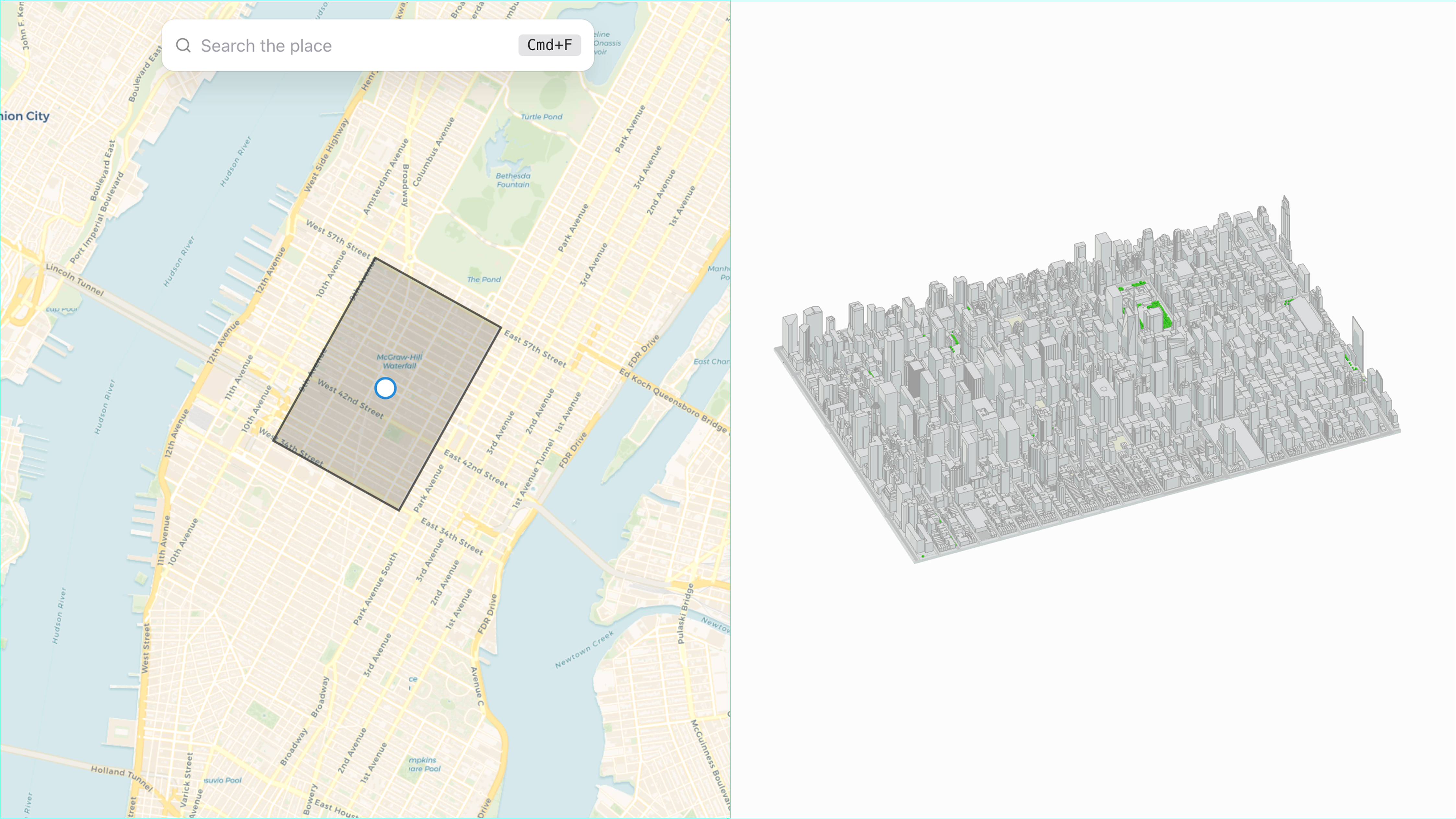
We’ve reintroduced model slicing, meaning your model is now cut precisely along the coordinates of your bounding box. Not only does this result in a cleaner, more efficient export, but you can also customize and rotate the cut to fit local site geometries.
What’s Next
We’re already working on the next big update, which will bring:
New surface options: Choose between satellite image, map view, or editable geometry
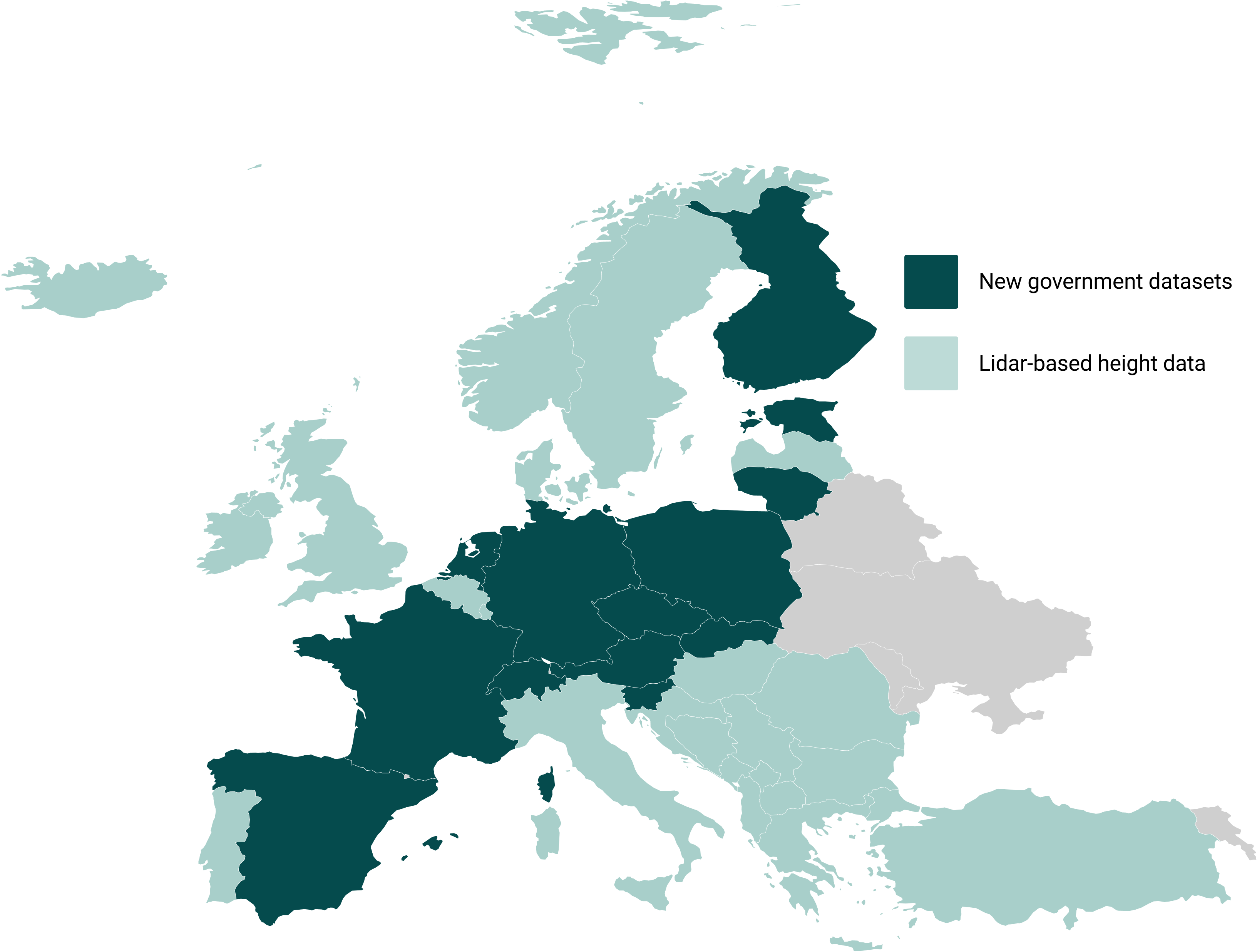
Significantly expanded building height coverage across Europe
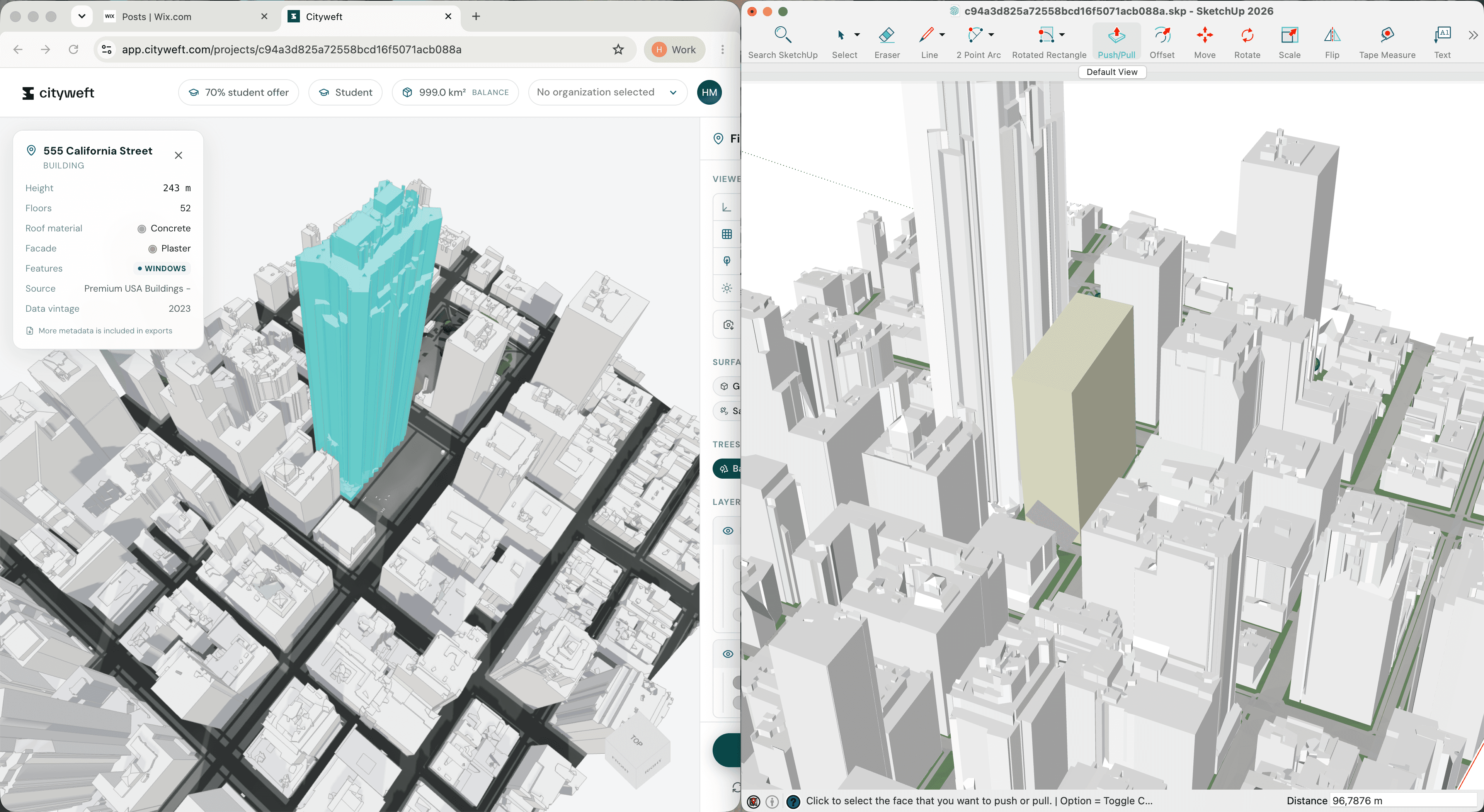
Dedicated .dxf and .skp exports for improved integration with Revit and SketchUp
Have more ideas on how we can improve and help your workflows? Reach out!